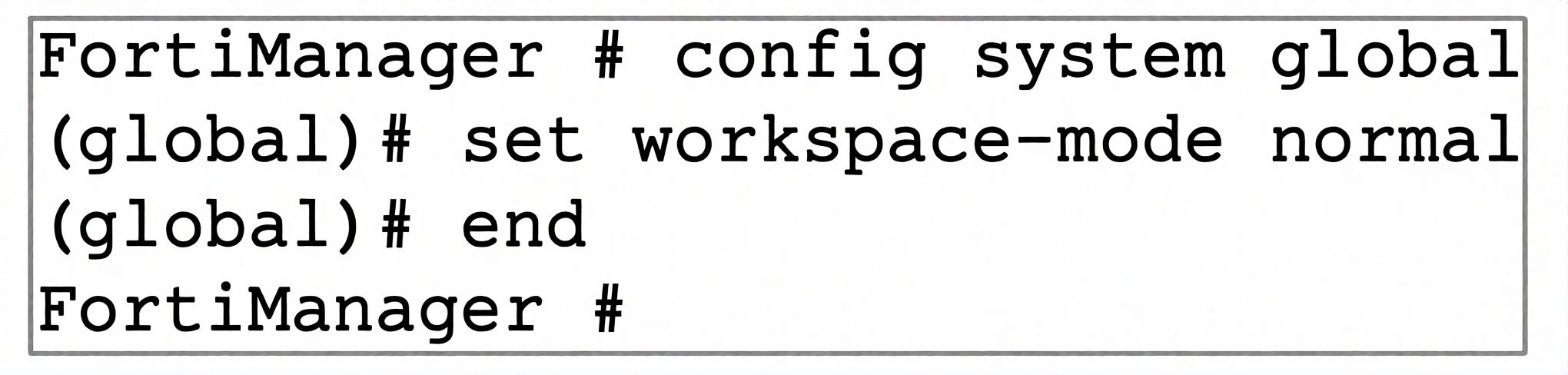
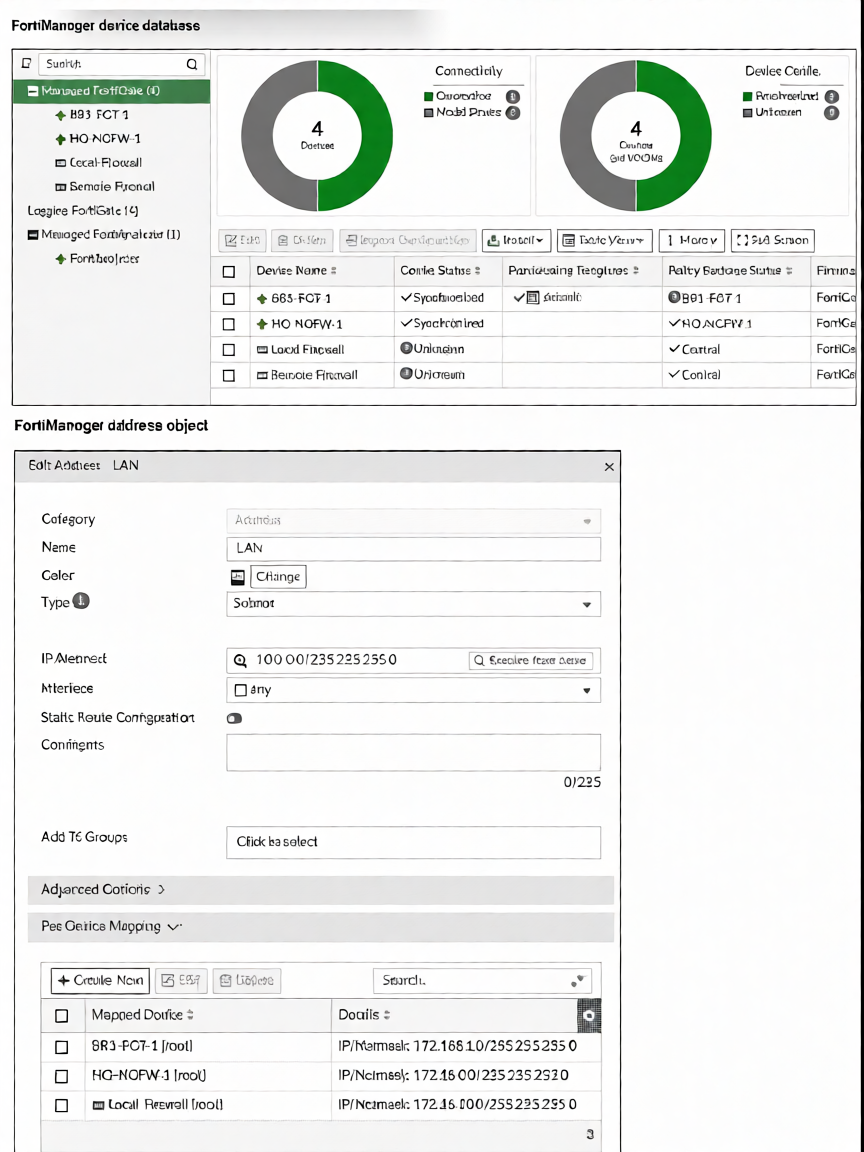
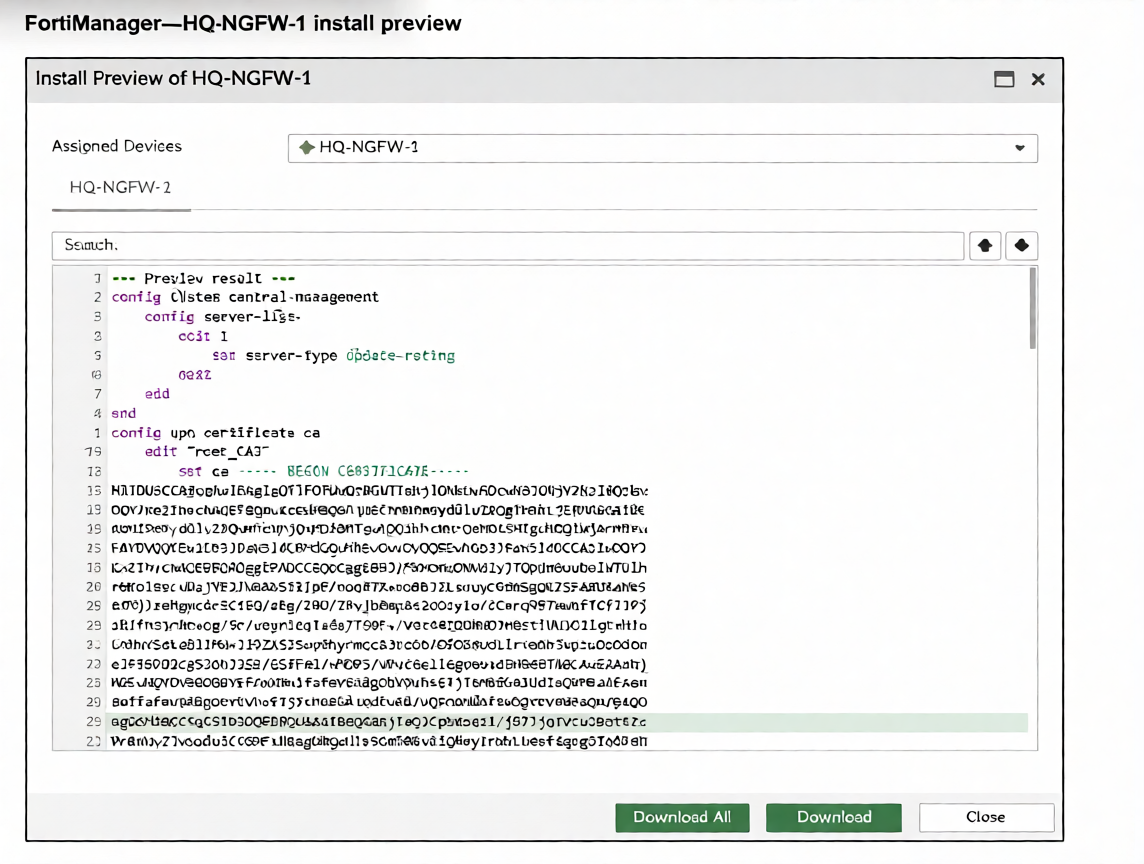
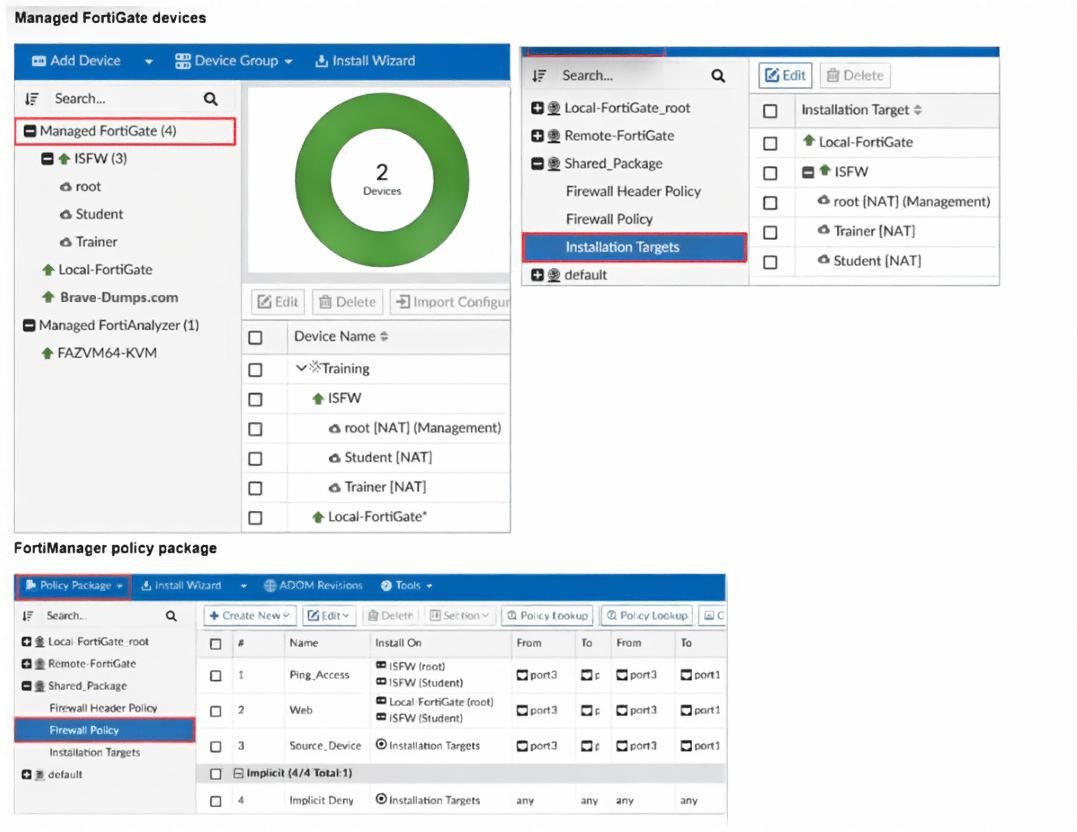
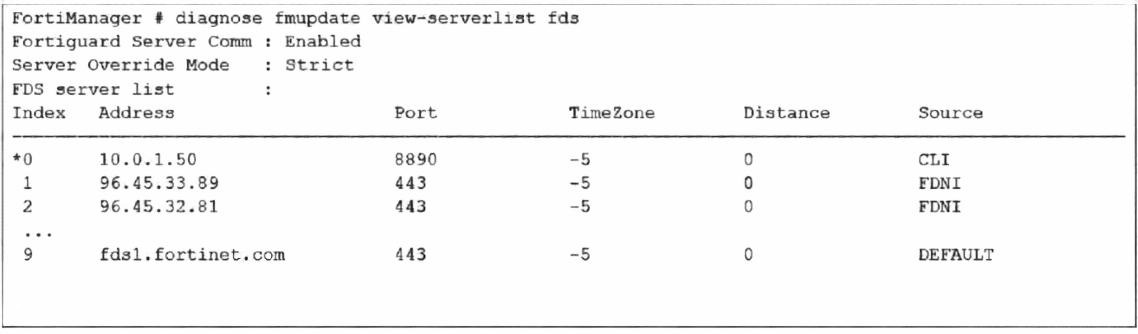
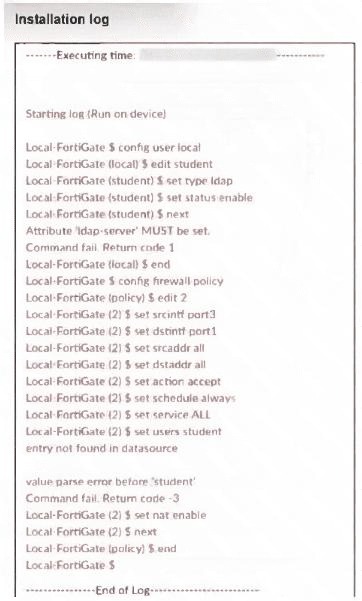
Refer to the exhibit.
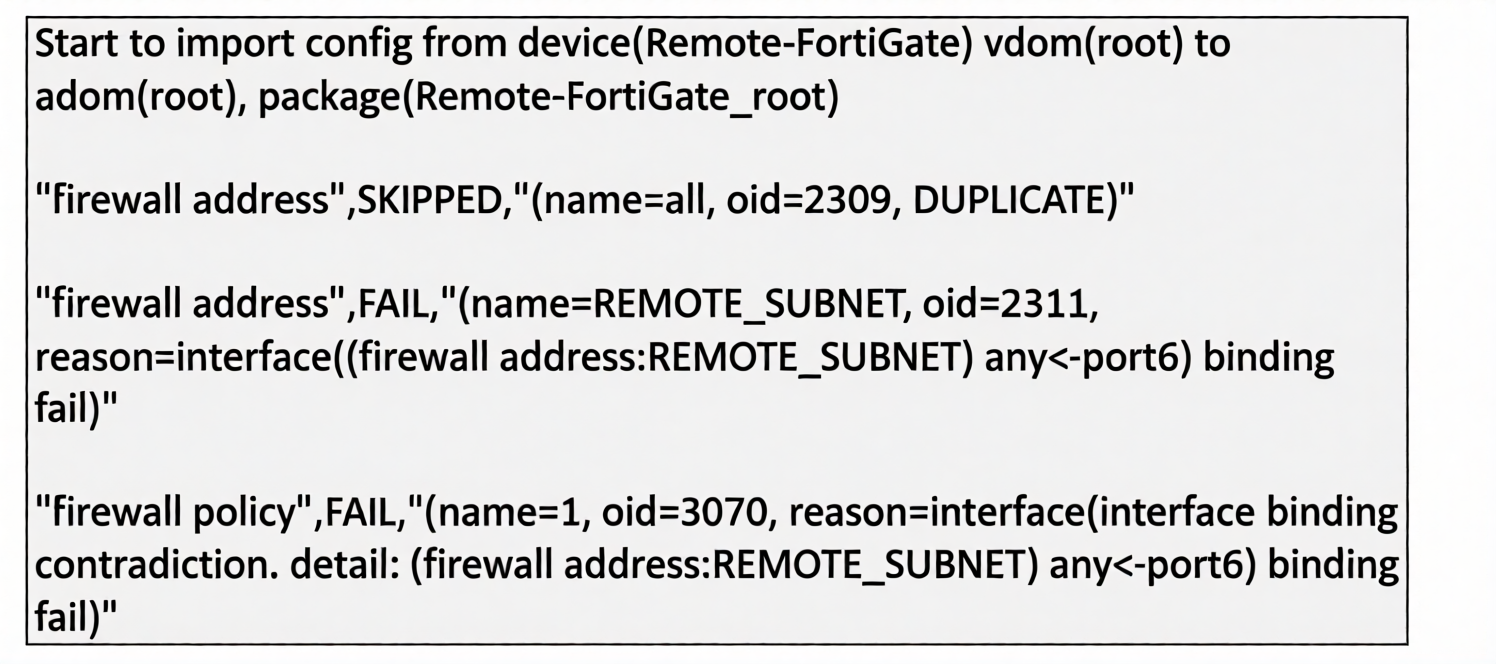
What can you conclude from the downloaded import report?
What can you conclude from the downloaded import report?
Show answerHide answer
Correct answer: D As a result of this policy import process, FortiManager will create a new firewall address called REMOTE_SUBNET in the ADOM database.
Explanation
✅ Explanation:The import report shows that REMOTE_SUBNET failed with a FAIL status due to an interface binding contradiction (any on FortiManager vs. port6 on the device). In FortiManager, a FAIL status during import does not mean the object is discarded. Instead, the object is created in the ADOM database but placed in a conflict/unresolved state. The administrator must manually resolve the interface mismatch later using the Resolve Conflicts tool. Therefore, the address object does exist in the database—just not in a fully installed or usable form.
The system-reserved object all was SKIPPED due to duplication, which is expected behavior. Policy 1 failed as a secondary effect because it references the conflicted REMOTE_SUBNET object.
❌ Why Other Options Are Incorrect:
A. FortiManager does not support per-device mapping for firewall addresses.
This is incorrect. FortiManager fully supports per-device address mapping via the Device Database or per-device ADOM objects. The failure here is a binding mismatch, not a lack of feature support.
B. The administrator will see a new policy package named Remote-FortiGate_root in the FortiManager ADOM database.
This is incorrect. The package Remote-FortiGate_root already existed before the import (it is shown as the target package). The import does not create a new package; it attempts to update the existing one.
C. FortiManager will change the configuration of REMOTE_SUBNET to match the interface mapping coming in from Remote-FortiGate.
This is incorrect. FortiManager does not automatically change ADOM objects to match the device. If it did, the status would be SUCCESS or UPDATED. The FAIL status explicitly requires manual intervention.
📚 References:
FortiManager 7.6 Administration Guide, Chapter "Policy and Object Management" → Section "Importing Policies from Managed Devices" – explains that object conflicts result in a FAIL status and require manual resolution via the Resolve Conflicts interface.
FortiManager 7.6 Administration Guide, Chapter "Device Manager" → Section "Per-Device Mapping" – confirms support for device-specific address bindings.