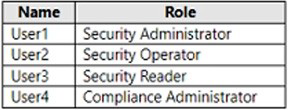
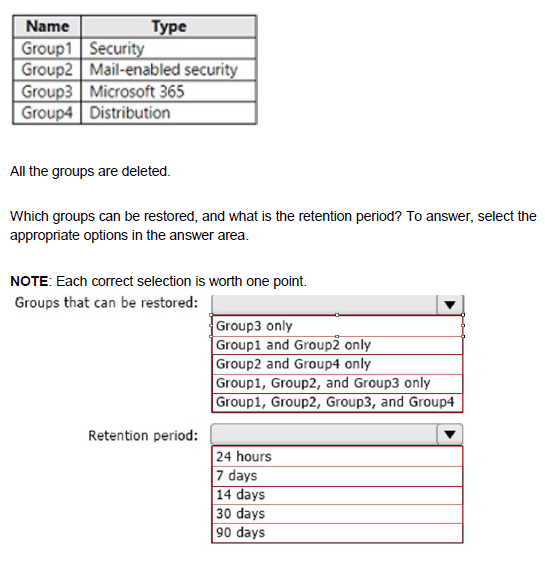
You have a Microsoft 365 E5 subscription that contains the groups shown in the following table.
Show answerHide answer
Explanation
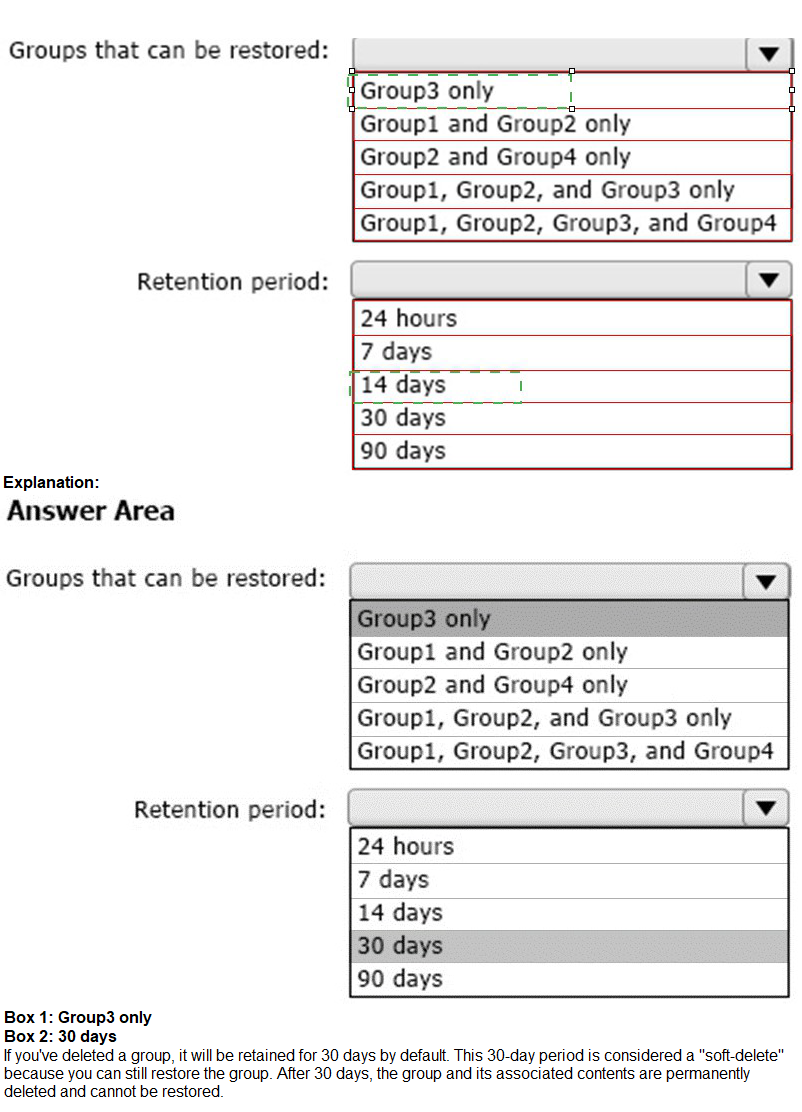
Groups that can be restored In Microsoft 365, when a group is deleted, it is moved to a "soft deleted" state for a specific retention period. All group types in Microsoft 365 can be restored during this period.
Group1 (Security): Can be restored. All Microsoft 365 group types, including Security groups, can be restored within the retention period.
Group2 (Mail-enabled security): Can be restored. Mail-enabled security groups are a type of distribution group and follow the same restoration rules.
Group3 (Microsoft 365):Can be restored. Microsoft 365 Groups (now also called Microsoft 365 Teams) are absolutely restorable.
Group4 (Distribution): Can be restored. Distribution groups and mail-enabled security groups are managed together and can be restored.
Therefore, all four groups (Group1, Group2, Group3, and Group4) can be restored from the soft-deleted state.
Retention period
The standard retention period for a soft-deleted Microsoft 365 group is 30 days. After this period, the group and all its associated data (like the SharePoint site, Planner plans, etc., for a Microsoft 365 Group) are permanently deleted and cannot be recovered.
24 hours, 7 days, 14 days, 90 days: These are incorrect. The fixed retention period for restoring deleted groups is 30 days. The 90-day period is often associated with files in the Preservation Hold Library or the general recoverability of user mailboxes, not for restoring the group object itself.
Reference:
Microsoft Docs: Restore a deleted Microsoft 365 Group
This documentation states: "When a Microsoft 365 Group is deleted, it's retained for 30 days... You can restore a deleted Microsoft 365 Group within 30 days of it being deleted."
This restoration capability and 30-day period also applies to other group types like Security and Distribution groups when managed through the Microsoft 365 admin center or Exchange Online.