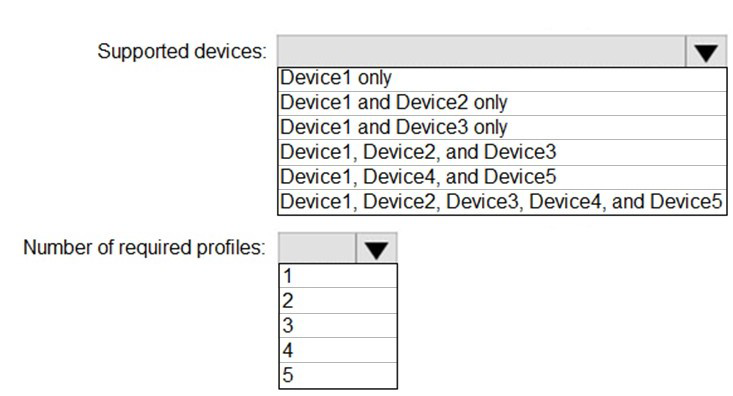
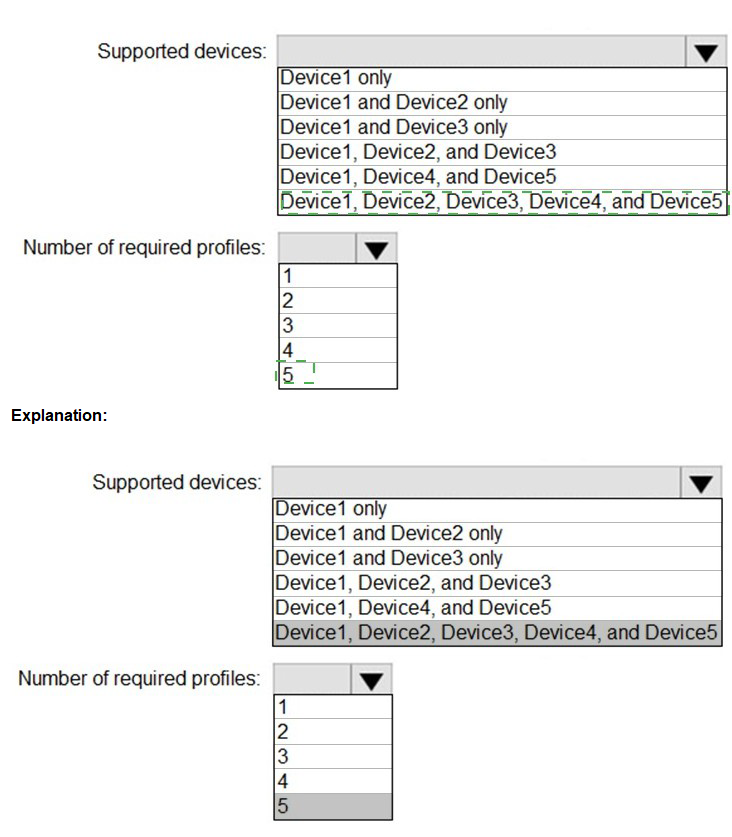
You need to ensure that User2 can review the audit logs. The solutions must meet the technical requirements.
To which role group should you add User2, and what should you use? To answer, select the appropriate options in the answer area.
NOTE: Each correct selection is worth one point.

To which role group should you add User2, and what should you use? To answer, select the appropriate options in the answer area.
NOTE: Each correct selection is worth one point.
Show answerHide answer
Explanation
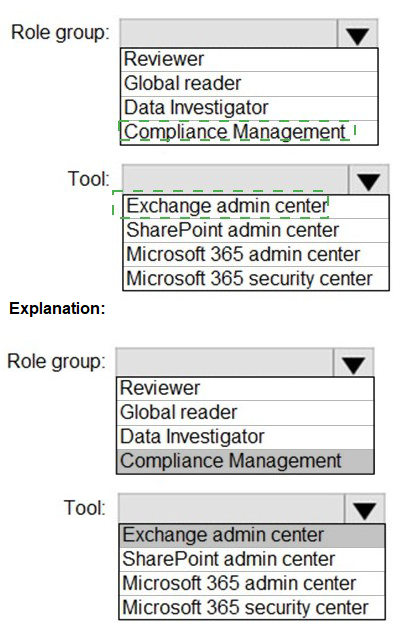
Explanation:
The requirement is for a user to review audit logs in Microsoft 365. Access to search and view the unified audit log is governed by specific permissions. The standard and least-privileged role for this task is membership in the Compliance Data Administrator role group, but the available options point to a specific, common group used for audit log review in the compliance center.
Correct Options:
Role group: Reviewer
The Reviewer role group in the Security & Compliance admin center grants the necessary permissions. It includes the View-Only Audit Logs role, which allows a user to search and view the unified audit log in the compliance portal but not modify any configurations. This meets the principle of least privilege for audit review.
Tool: Microsoft 365 security center
While the audit log is searchable from both the Microsoft Purview compliance portal and the Microsoft 365 Defender portal (security center), the Microsoft 365 security center (defender.microsoft.com) provides access. Under Audit in the navigation, users with the appropriate permissions (like the Reviewer role) can search the unified audit log. This is a valid and commonly used tool for this purpose.
Incorrect Options:
Role group: Global reader, Data Investigator, Compliance Management:
Global Reader is a read-only role for all admin centers, which is over-permissive. Data Investigator is for advanced eDiscovery cases, not basic audit log review. Compliance Management includes management roles beyond just viewing logs.
Tool: Exchange admin center, SharePoint admin center, Microsoft 365 admin center:
The Exchange and SharePoint admin centers only provide logs specific to those services, not the unified audit log. The Microsoft 365 admin center (admin.microsoft.com) does not contain the audit log search tool; that function is in the compliance and security portals.
Reference:
Microsoft Learn, "Search the audit log in the compliance portal" and "Permissions in the Microsoft Purview compliance portal." The documentation specifies that the View-Only Audit Logs permission, found in role groups like Reviewer, is required to search the audit log.