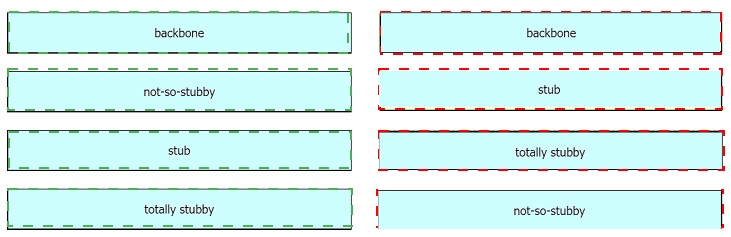
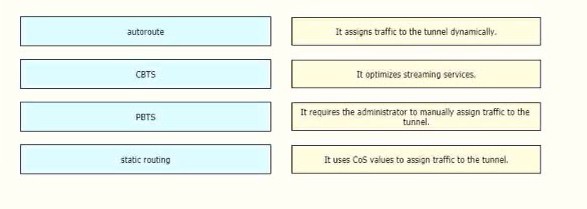
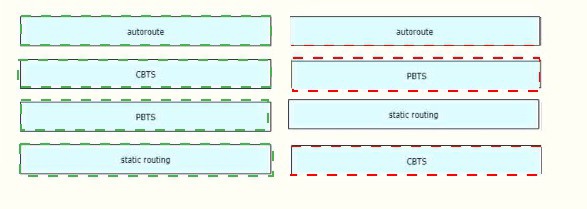
Refer to the exhibit:
Show answerHide answer
Correct answer: A Option A
Explanation
ExplanationThe correct answer is A.
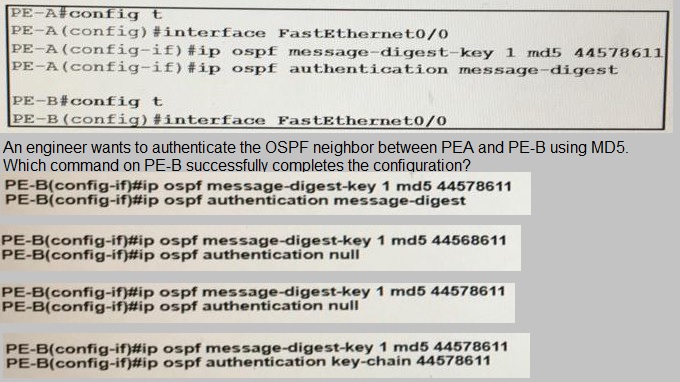
PE-A par already ye configuration hai:
text
interface FastEthernet0/0
ip ospf message-digest-key 1 md5 44578611
ip ospf authentication message-digest
svgsvg
PE-B par bhi bilkul same configuration honi chahiye taake OSPF MD5 authentication successfully establish ho. OSPF MD5 authentication ke liye do commands zaroori hain:
1. `ip ospf message-digest-key
2. `ip ospf authentication message-digest` → interface par OSPF MD5 authentication enable karta hai
Option A mein dono commands hain jo PE-A se exactly match karte hain (key ID 1, password 44578611, message-digest authentication). Is liye ye configuration OSPF neighbor authentication successfully complete karegi.
Why the Other Options Are Incorrect
B. Option B – Key password 44568611 hai, jab ke PE-A par 44578611 hai. Password mismatch hone ki wajah se authentication fail hogi.
C. Option C – `ip ospf authentication null` configure karta hai, jo authentication disable kar deta hai. Ye PE-A ke `message-digest` configuration se match nahi karega aur adjacency form nahi hogi.
D. Option D – `ip ospf authentication key-chain 44578611` configure karta hai, jo key-chain based authentication hai (OSPF cryptographic authentication with key chain). PE-A par simple `message-digest` authentication hai, is liye ye mismatch hoga.
Reference
- Cisco Press: Implementing and Operating Cisco Service Provider Network Core Technologies (SPCOR) 350-501 Official Cert Guide – Chapter on OSPF Authentication (MD5 and Key Chain).