An insurer has identified a new requirement for company vendor contacts in ContactManager. If the Preferred Vendor? field is set to Yes, display the new BBB Rating (Better Business Bureau) field. Which two configuration changes will satisfy this requirement? (Select two)
Visual content transcription:
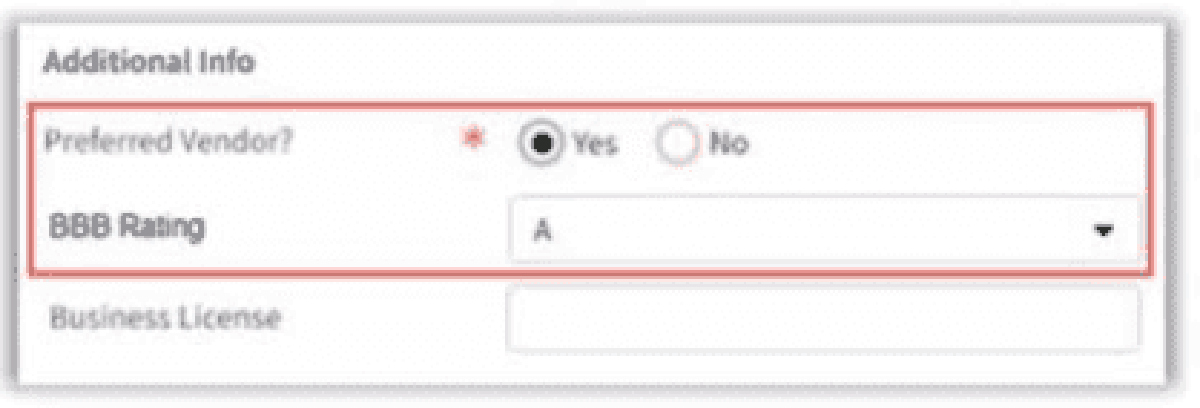
Preferred Vendor? has Yes selected; BBB Rating is A. Business License appears below.
Visual content transcription:
Preferred Vendor? has Yes selected; BBB Rating is A. Business License appears below.
Show answerHide answer
Correct answer: B, C Enable the Post On Change property for the Preferred Vendor? fieldSet the visible property of the BBB Rating field to true when the Preferred Vendor? field is Yes
Explanation
Answer Option (Which option is correct) B. Enable the Post On Change property for the Preferred Vendor? fieldAnswer Option (Which option is correct) C. Set the visible property of the BBB Rating field to true when the Preferred Vendor? field is Yes
Explanation:
Post On Change on the controlling input sends its changed value to the server and allows dependent widgets to be refreshed. The dependent field then evaluates its visibility or displayed value using the new controlling value. A validation expression or a save-time rule does not provide that immediate refresh behavior.
Verification note: The exact option selection could not be independently verified from accessible official documentation. Relevant official topic links are provided, but some exact configuration or training rules require the product Configuration Guide or Cloud Standards behind sign-in. The source key is retained.
Why the other options are incorrect:
A. Call a gosu expression from the PostOnChange onChange property to set the value of the BBB Rating field:
The requirement concerns showing the rating field. It does not ask to assign a new rating value. An onChange assignment alone does not define visibility.
D. Enable the Post On Change property for the BBB Rating field:
The controlling value is Preferred Vendor. Refreshing only when BBB Rating changes uses the wrong trigger. The vendor input must initiate the dependent update.
E. Set the editable property of the BBB Rating field to true when the Preferred Vendor? field is No:
Editable controls whether a value can be changed. It does not determine whether the rating field is shown. The condition also refers to No rather than the requested Yes.
References:
Guidewire product documentation - Configuration Guide access