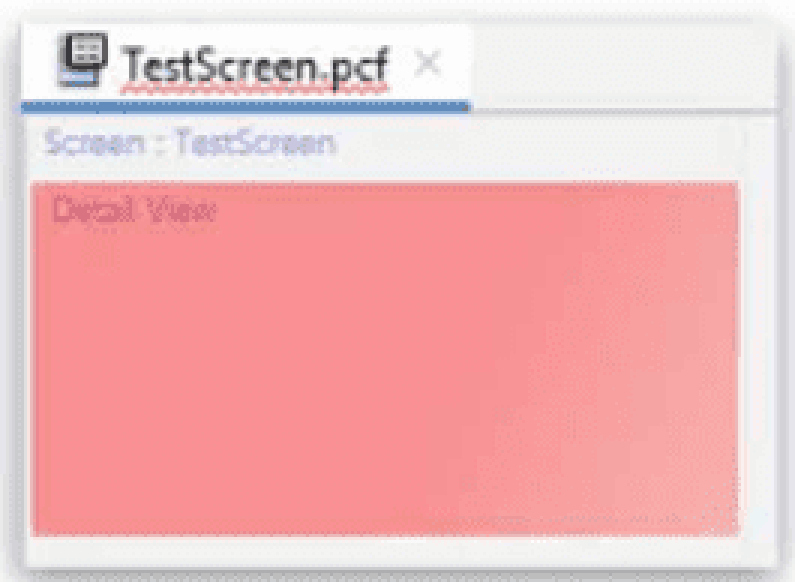
Given the following screen showing a DetailView in Guidewire Studio highlighted in red: Which single item added directly to the detail view will correct the error shown, with no further errors?
Visual content transcription:
TestScreen.pcf contains a Detail View highlighted in red, with no input column shown.
Visual content transcription:
TestScreen.pcf contains a Detail View highlighted in red, with no input column shown.
Show answerHide answer
Correct answer: D Add an input column to the detail view
Explanation
Answer Option (Which option is correct) D. Add an input column to the detail viewExplanation:
A DetailView organizes its inputs through InputColumn containers. In the Card hierarchy described by the source, a DetailView sits between the Card and the InputColumn. A row iterator belongs to a ListView rather than replacing the required detail-view structure.
Verification note: The exact option selection could not be independently verified from accessible official documentation. Relevant official topic links are provided, but some exact configuration or training rules require the product Configuration Guide or Cloud Standards behind sign-in. The source key is retained.
Why the other options are incorrect:
A. Add a row iterator to the detail view:
A RowIterator repeats list rows. The screenshot shows a DetailView. Its missing input layout is not repaired by a list iterator.
B. Add a toolbar to the detail view:
A Toolbar holds commands. It does not supply a container for input fields. The DetailView still lacks its required input column.
C. Add a list view to the detail view:
A ListView is another panel structure. Adding it does not directly provide the detail-view input layout. The source selects an InputColumn.
References:
Guidewire product documentation - Configuration Guide access