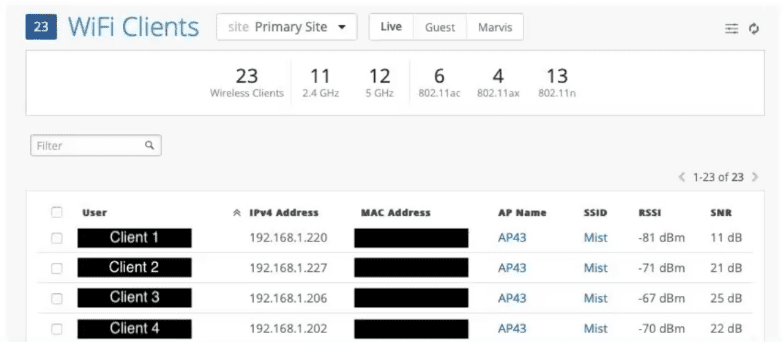
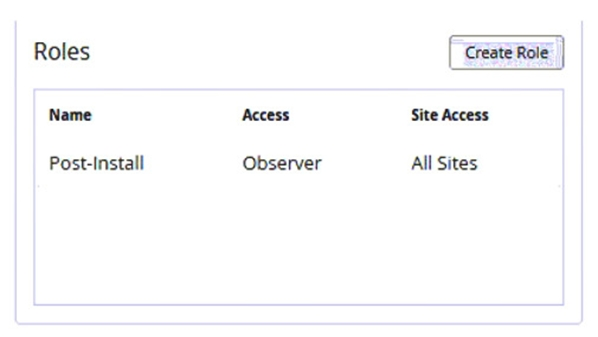
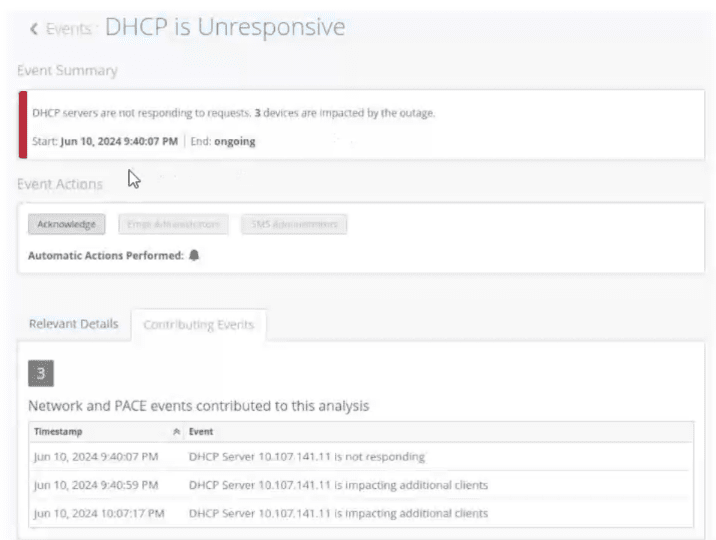
Click the Exhibit button.
Referring to the exhibit, which statement is correct?
Show answerHide answer
Correct answer: B The packet capture was taken manually.
Explanation
Explanation:In the Mist AI GUI, packet captures are flagged as either Manual (user‑initiated from APs > PCAP or Troubleshoot > Live PCAP) or Automatic (triggered by Marvis when an anomaly or SLE drop is detected, stored under Marvis > Actions). The exhibit clearly shows a capture initiated on‑demand by an administrator, not an auto‑generated Marvis file.
A is incorrect because automatic captures are always linked to a specific Marvis Action ID and appear with a reason code (e.g., “High DHCP failure”). No such ID is shown in the exhibit.
C is incorrect because full frames (including radiotap headers) are captured only if Monitor mode or Wired capture mode is explicitly enabled. The exhibit shows a default managed‑mode capture, which does not include full 802.11 radio headers.
D is incorrect because manual captures by default include all frame types (data, management, control). Limiting to management frames requires an explicit filter. The exhibit has no filter applied.
References:
Juniper Mist AI User Guide: “Capturing Packets” → “Start a manual packet capture from the AP details page or the Troubleshoot tool.”
Marvis Actions Documentation: “Automatic packet captures are saved as part of a Marvis Action; manual captures are generated by an administrator.”