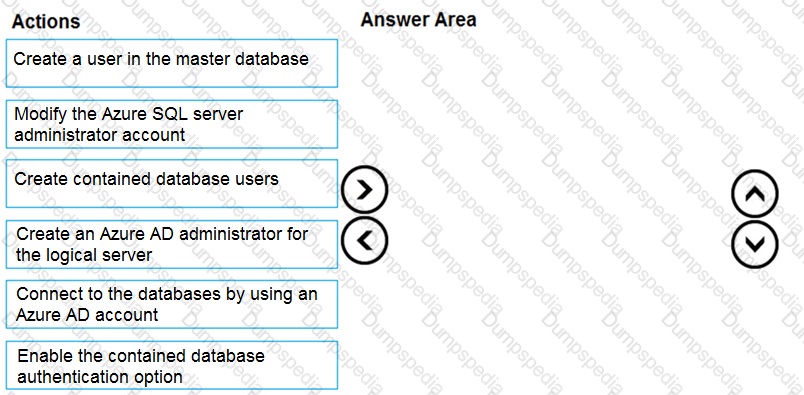
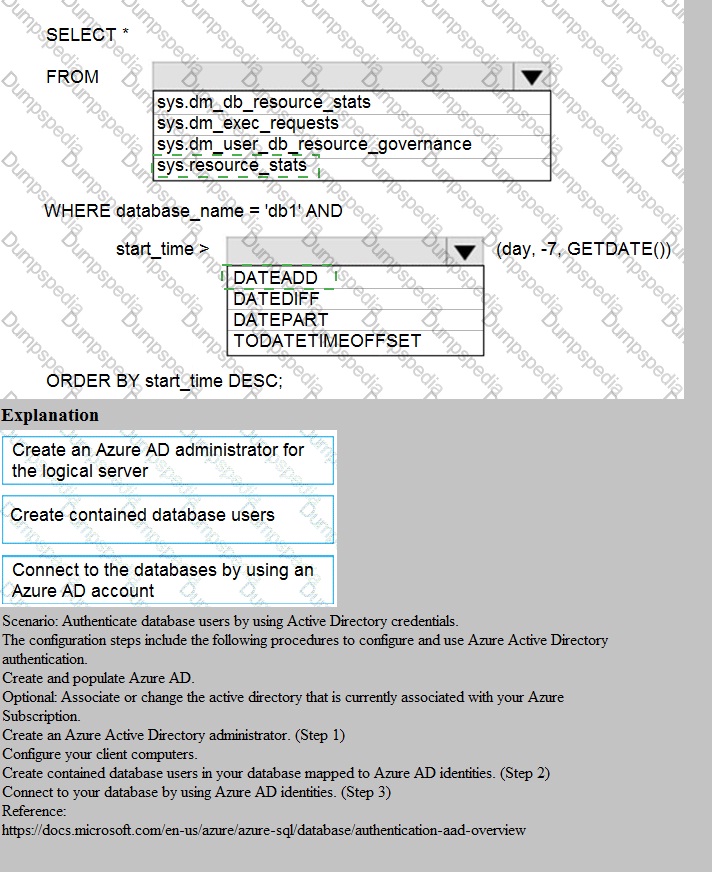
You need to implement statistics maintenance for SalesSQLDb1. The solution must meet the technical requirements.
Which four actions should you perform in sequence? To answer, move the appropriate actions from the list of actions to the answer area and arrange them in the correct order.
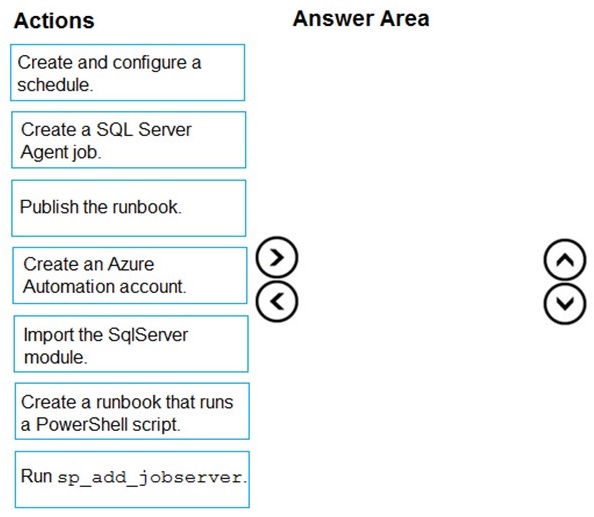
Which four actions should you perform in sequence? To answer, move the appropriate actions from the list of actions to the answer area and arrange them in the correct order.
Show answerHide answer
Explanation
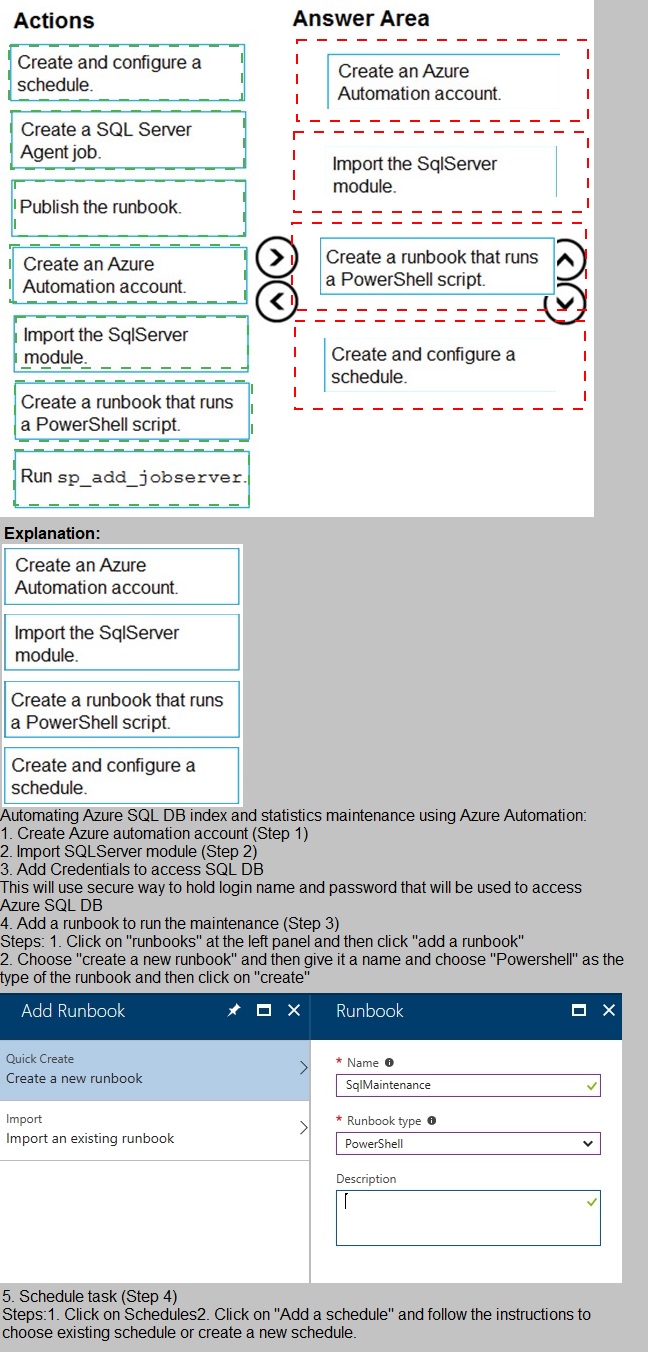
Correct Sequence:
Create an Azure Automation account.
This is the foundational service that will host and execute the automation job. You must create this account first to have a container for the runbooks, modules, and schedules.
Import the SqlServer module.
The runbook script will require PowerShell cmdlets to interact with SQL Server (e.g., Invoke-SqlCmd). The SqlServer module must be imported into the Automation account before the runbook that depends on it can be authored or run successfully.
Create a runbook that runs a PowerShell script.
The core maintenance logic (e.g., UPDATE STATISTICS commands) is defined here. You create a PowerShell runbook within the Automation account and author the script that will perform the statistics update on SalesSQLDb1.
Create and configure a schedule.
To meet the requirement for automated, regular execution, you create a schedule (e.g., weekly) within the Automation account. You then link this schedule to the published runbook to trigger it automatically.
Incorrect/Unused Actions:
Create a SQL Server Agent job.
This is an on-premises or SQL Server Managed Instance feature. The use of Azure Automation and runbooks indicates the target is likely Azure SQL Database, which does not have SQL Server Agent. This action is not part of an Azure Automation-based solution.
Publish the runbook.
While a necessary step in real life, the "Create a runbook" action in this context implies the final, editable version. In this high-level sequencing task, creating the runbook encompasses the essential step. "Publish" is often an implied sub-step after creation and before linking to a schedule.
Run sp_add_jobserver.
This is a SQL Server system stored procedure used to target a job to a specific server instance. It is not applicable in an Azure Automation context and is not used with PowerShell runbooks targeting Azure SQL Database.