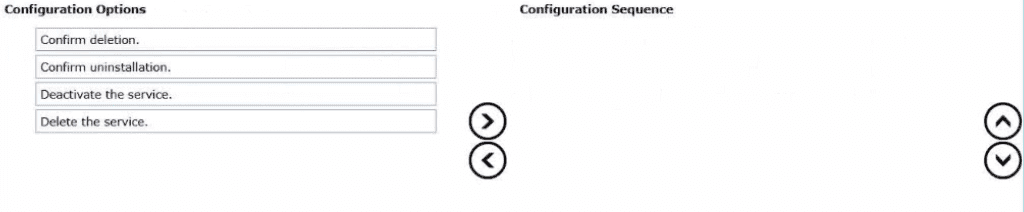
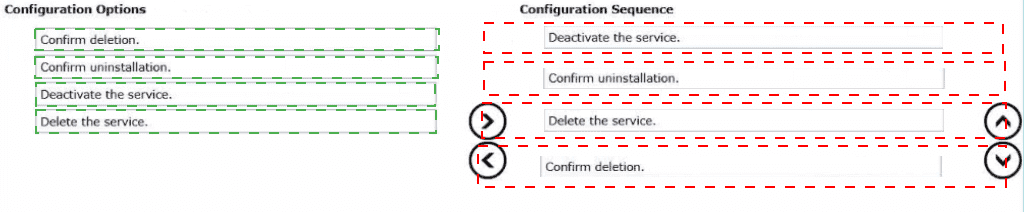
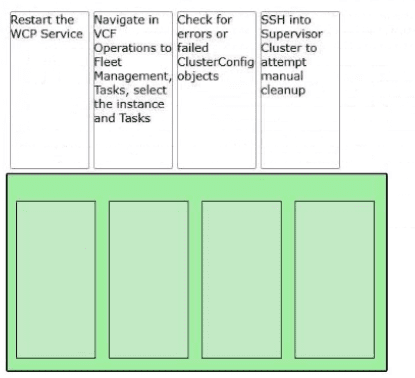
An administrator upgrades a VMware Cloud Foundation (VCF) Supervisor and the upgrade fails. Order the steps the administrator should take to determine the cause of the failure.
Show answerHide answer
Explanation
Explanation:
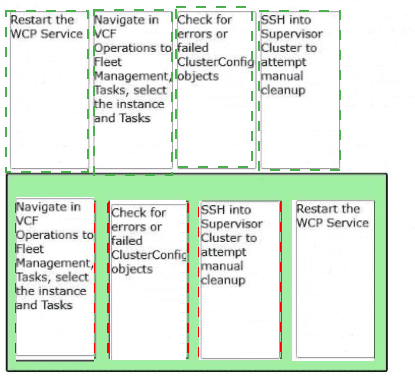
Navigate in VCF Operations to Fleet Management, Tasks, select the instance and Tasks:
This is the first step to identify which specific sub-task in the upgrade workflow failed within the VCF management plane.
Check for errors or failed ClusterConfig objects:
Once the task is identified, checking the ClusterConfig objects provides technical details on whether the failure is related to state mismatch or resource configuration.
SSH into Supervisor Cluster to attempt manual cleanup:
If the automated process is stuck due to orphaned resources or stale configurations, manual intervention via the command line on the Supervisor nodes is required.
Restart the WCP Service:
As a final step to clear the "failed" state and re-initialize the Workload Management (WCP) agent, the service is restarted to pick up the changes or retry the configuration.
Technical Breakdown
VCF Fleet Management:
In VCF 9.0, Fleet Management provides a centralized view of all Supervisors. Starting here allows the admin to see if the error is localized or environmental.
ClusterConfig Objects:
These are Kubernetes Custom Resources within the Supervisor that define the desired state. When an upgrade fails, these objects often show a status field with the specific reason for the "Degraded" or "Failed" state.
WCP (Workload Control Plane) Service:
This service runs on vCenter and is responsible for communicating with the Supervisor. Restarting it is a common remediation to "unstick" an upgrade process after manual cleanup has been performed.
References
VMware Cloud Foundation 9.0 Operations Guide: Troubleshooting Workload Management Upgrades.
vSphere with Tanzu Diagnostics and Troubleshooting: Monitoring Task Progress in Fleet Management.